ValidaTrip / Guides
Stop rebuilding the trip-planning spreadsheet
Paste the pile of recs you collected. Skip the rows, tabs, and color-coding.
No account needed to try it.
The problem
Type-A travelers spend around 40 hours planning a single trip, and 71% of US adults who arrange travel say planning and booking is stressful. Most of that is manual: copying recommendations from friends, blogs, ChatGPT, and TikTok into a spreadsheet, then re-typing each place, its category, neighborhood, hours, and a booking note — by hand, one row at a time.
How ValidaTrip handles it
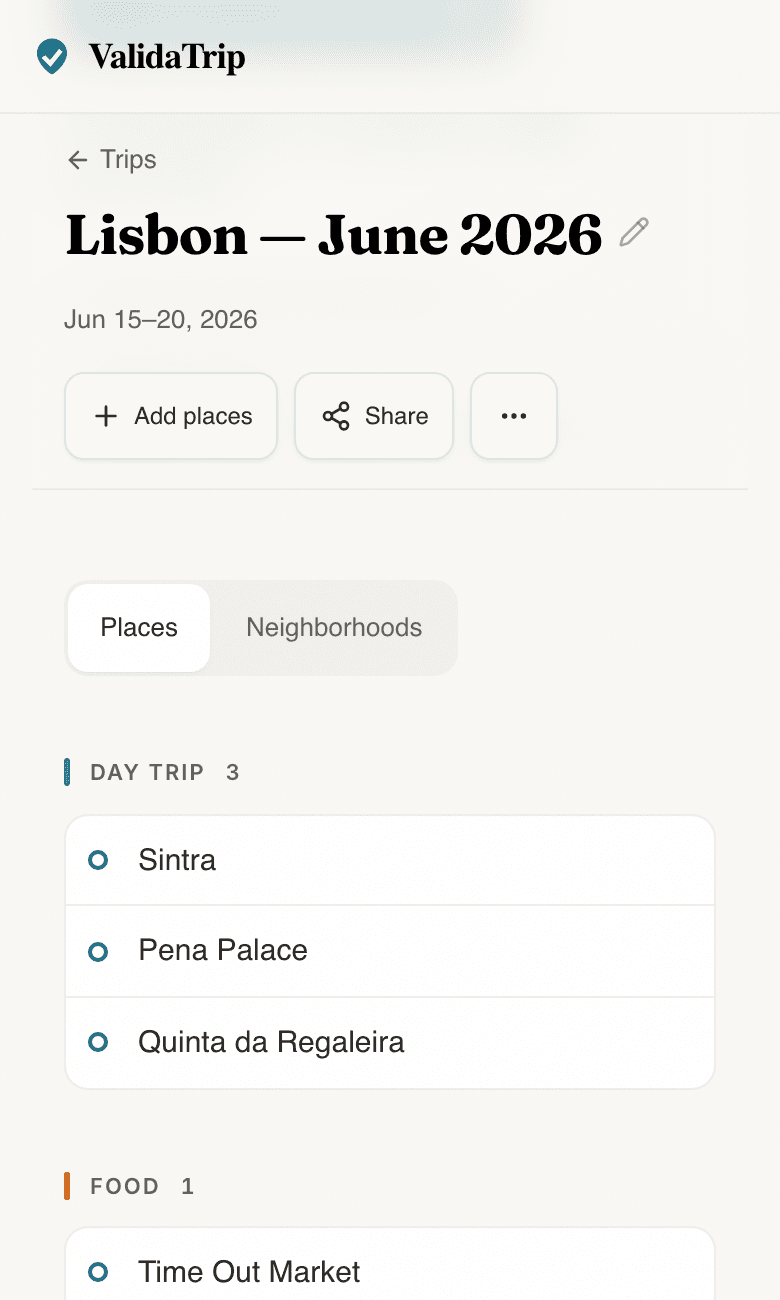
- Paste it all at once — bullet lists, paragraphs, a ChatGPT itinerary, a blog listicle. ValidaTrip extracts the places and categorizes them automatically.
- Every place is looked up and checked: opening hours against your dates, permanent or temporary closures, and whether it needs booking ahead.
- It groups by neighborhood so the plan is usable on the ground, not just a list — no spreadsheet tab required.
ValidaTrip product preview
validatrip.com/trips
Questions
- Why not just use a travel spreadsheet?
- A spreadsheet stores what you typed; it does not check anything. It will not tell you a museum is closed on your travel day or that a restaurant needs a reservation. ValidaTrip keeps the structure of a spreadsheet but verifies each place against your actual dates.
- What can I paste in?
- Anything: a friend's text, a ChatGPT or Gemini itinerary, a travel-blog list, screenshots-worth of notes. Bullet points and prose both work.
- Do I need an account?
- No. Paste and get a checked plan without signing up. An account is only needed to save or share a trip.
Related resources
- Janice Moskoff’s free trip itinerary template (Word, Excel, Google Sheets, Canva) — A polished, ready-to-use travel-itinerary template by travel writer Janice Moskoff at Gather and Go Travel — the right starting point if you want the spreadsheet structure first and validation second.
- Sarah Floriani’s Excel travel itinerary template — A practical Excel travel-itinerary template and planning method by Sarah Floriani at That Travel Itch — useful for travelers who want the spreadsheet first and ValidaTrip’s date checks after.